
If Messenger says “Sent,” your message went through on your end. Messenger hasn’t shown you a confirmation that it reached the other person. You can close the chat and leave the original message where it is. If an entire buying or selling conversation is missing, start with how to find missing Marketplace messages.
What you do next depends on why you’re waiting. If you sent a friend a funny video, there’s little reason to troubleshoot anything. If you’re sitting in your car waiting for a seller to confirm a pickup address, you have a more immediate question. Did they get the message, and should you start driving? Until they reply, I’d keep the keys on the table.
What “Sending,” “Sent,” “Delivered,” and “Seen” mean
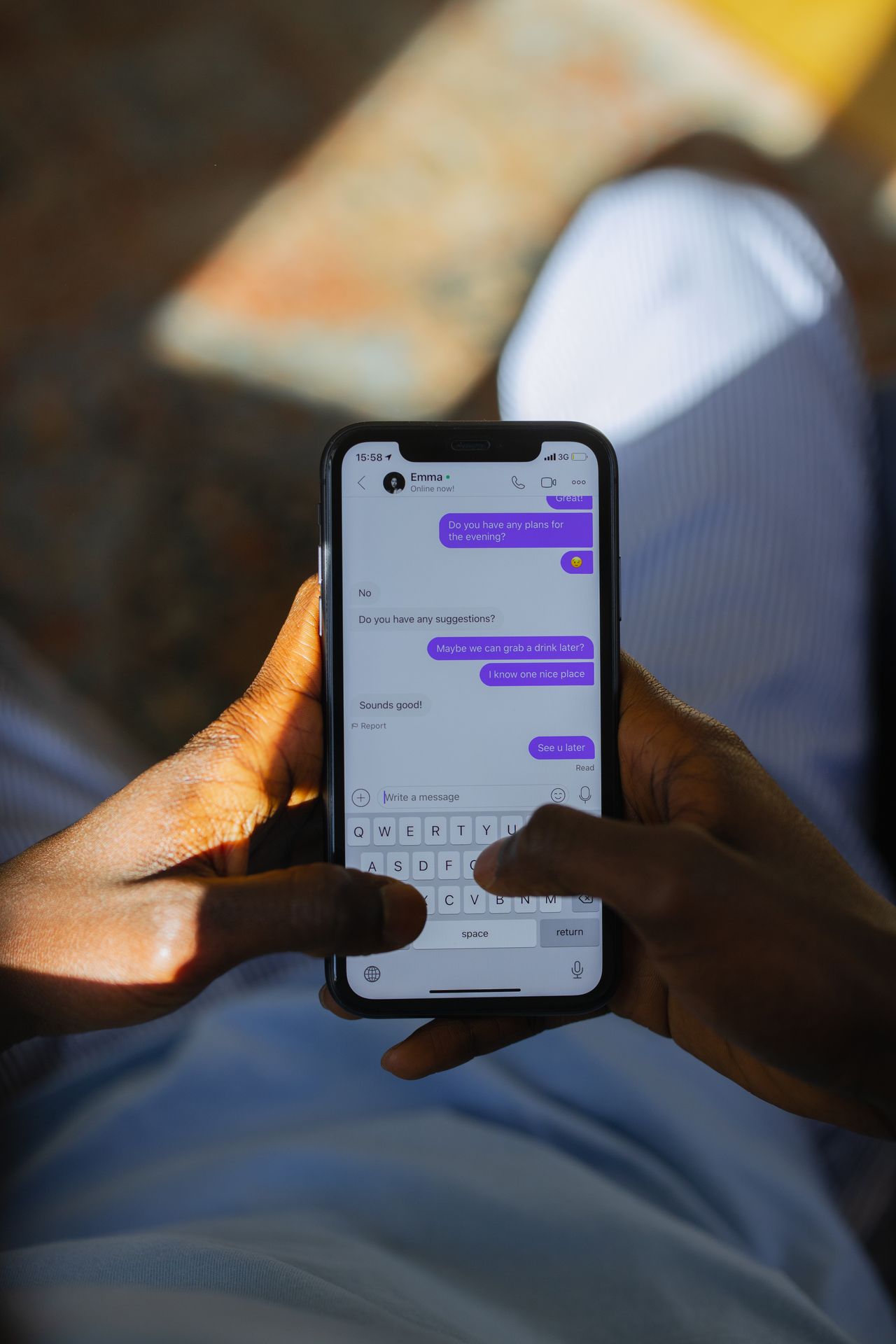
Look beside or underneath your latest outgoing message. Depending on your version of Messenger, you may see a written label, a circle with a check mark, or a tiny profile picture. Check which message the indicator belongs to, especially if you’ve sent several in a row.
Sending. An empty circle means Messenger is still trying to send your message. If it stays there, check whether your phone can load a fresh webpage. A connection that worked when you opened the conversation may have dropped by the time you pressed send.
Sent. An outlined circle with a check means the message went through on your end. You’re waiting for delivery confirmation. Leave the original in the chat so that when the person reconnects, they can pick up the conversation where you left it.
Delivered. A filled circle with a check means Messenger has registered delivery. The recipient might still have their phone in a pocket. If you asked a question or proposed a change of plan, wait for an answer before acting on it.
Seen. A small profile picture beside a message indicates that Messenger has shown a read receipt for that point in the conversation. Suppose your first message says, “Meet me at the front entrance,” and your second says, “Sorry, use the side door.” If their picture sits beside the first message, you only have a receipt for the original directions. If they’re due any minute, call them.
Why a message can stay on “Sent” for hours
Picture a friend taking a flight. You message them while they’re in the air, their phone is in airplane mode, and they have no other connected device receiving messages. Your internet connection is good enough to send the message. Delivery can still wait until they reconnect. Refreshing the conversation on your phone won’t bring theirs online.
From your side of the conversation, you usually don’t have enough information to identify the cause. The useful clue is whether the delay affects one conversation or several. If another friend just received and replied to a message, you know Messenger is working for you in at least one chat. Reinstalling the app because one person hasn’t received a message would be a big step on very little evidence.
Does “Sent” mean someone blocked or ignored you?
“Sent” alone can’t tell you that someone blocked you. It also gives you no basis for deciding that they saw your message and deliberately ignored it. A delivery indicator doesn’t tell you what someone was doing, whether they had time to answer, or how they feel about the conversation. If you remember blocking their Facebook profile yourself, here’s how to check your Facebook block list and unblock someone.
This is particularly easy to overthink when you’ve just met someone. You send “I had fun last night,” see no reply, and start looking at the green dot beside their name. The more useful question is whether your message needs a follow-up. If all you wanted to do was say you enjoyed the date, you’ve done that. If you invited them somewhere and need to book tickets by Thursday, one follow-up about the deadline serves a purpose.
What to check if several Messenger chats are stuck

Start with the least disruptive check. Open a fresh webpage on the same phone. Pick a page you haven’t already loaded. If that won’t open either, switch between Wi-Fi and mobile data and try again. This is especially useful if your messages are still marked “Sending” or you see an explicit error.
Next, reopen the conversation and read the wording beside the latest message. If Messenger explicitly says the message failed and offers a retry, check your connection and retry once. If it already says “Sent,” pressing send again just gives the other person a second copy to sort through later.
If webpages load and several chats still look wrong, open Facebook in a browser where you’re signed in to the same account. Compare the same message in the same conversation. If the browser shows a reply that your phone hasn’t displayed, reopen the phone app and check its store listing for an update. If you’re setting up a replacement phone, Icebek’s Messenger installation guide walks you through getting the app on that device.
What if it was a Marketplace or Facebook Dating message?
On Marketplace, check that you’ve opened the conversation associated with the right item. This is especially helpful when you’ve contacted several people selling similar cars, phones, or sofas. A seller confirming that a table is available hasn’t necessarily agreed to your suggested pickup time. Read the last reply alongside the question you asked.
If your pickup is time-sensitive, make the next message easy to answer. “I can leave at 5:15. Does six still work, and which entrance should I use?” gives the seller everything they need. Decide when you need to hear back before setting off. Even a “Seen” receipt won’t tell you whether the seller agreed to hold the item.
On Facebook Dating, check where the conversation began. If you matched and exchanged messages inside Dating, that conversation has its own inbox. Looking for it in regular Messenger can make an ordinary chat seem to have disappeared. If you later exchanged Facebook profiles and started a separate Messenger chat, check that thread for anything you sent there. Here’s how to find your Facebook Dating messages in the Facebook app.
Should you send the message again?
For a casual conversation, leave a message marked “Sent” alone. Resending the same photo, address, or question offers little benefit. For a first conversation with someone who tells you they can’t find your message, ask them to check their message requests. If they find it, make sure you’re both replying in that same thread going forward.
For something time-sensitive, use the channel that gives you the confirmation you need. If a friend is picking up your child, call and confirm the arrangement directly. If a seller hasn’t confirmed a meeting, wait before making the drive. And if a date hasn’t answered an invitation, make your own plans once your deadline passes.