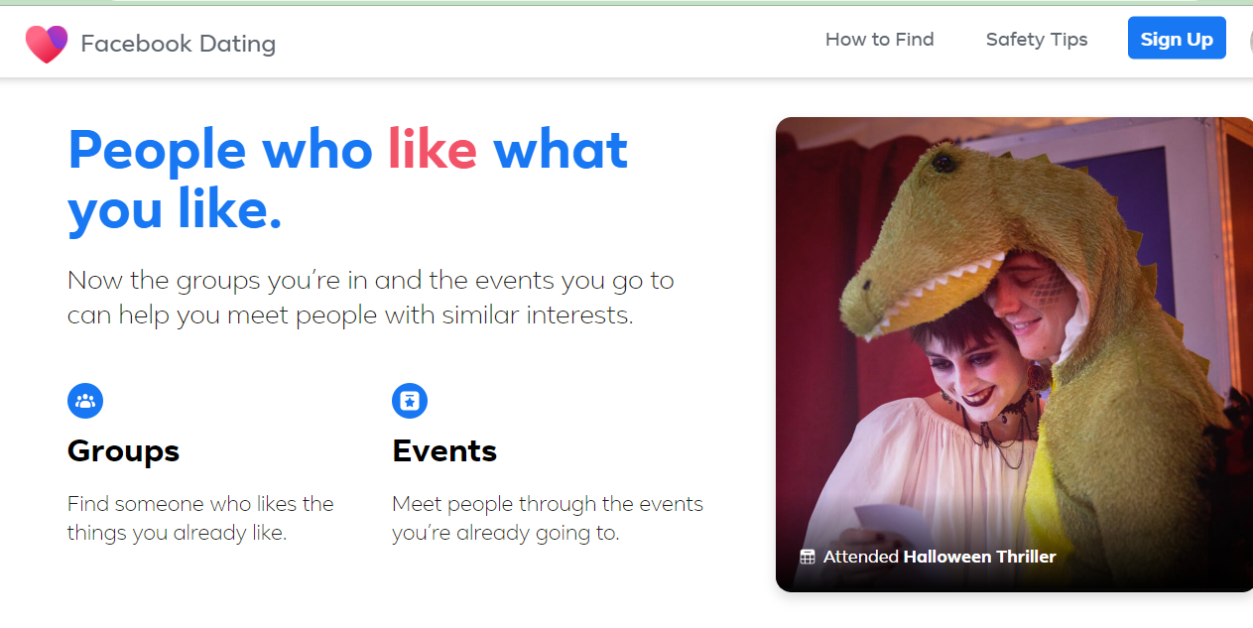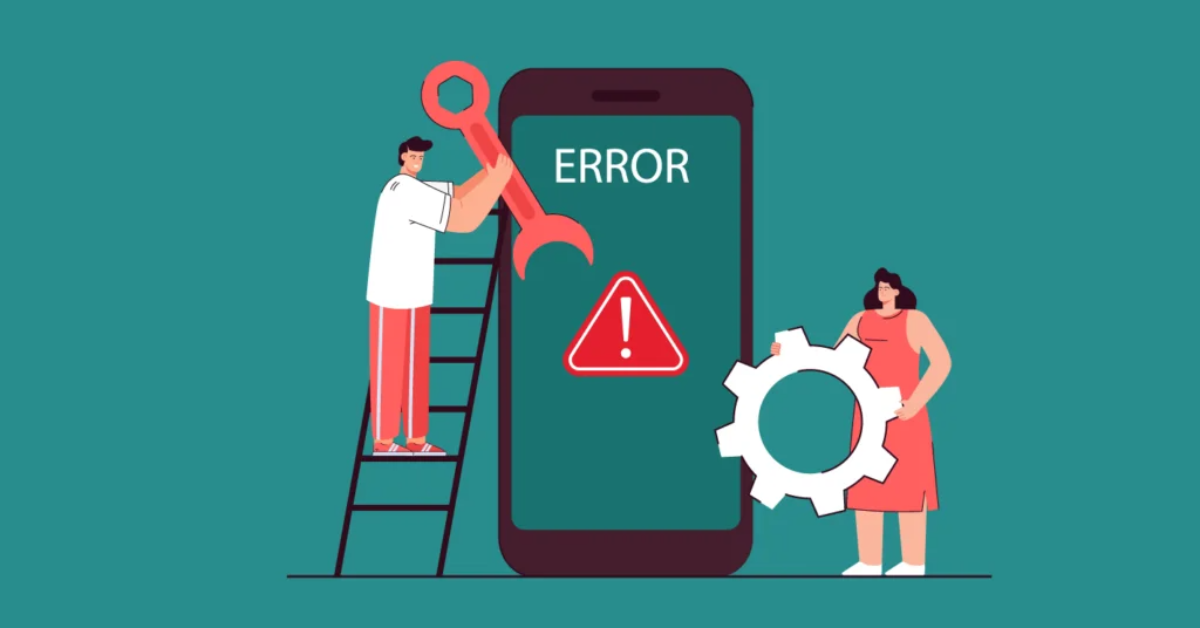
Let’s be honest — few things ruin the mood faster than your Facebook Dating app freezing right when you’re about to reply to that cute match. You’ve crafted the perfect flirty comeback, your thumbs are ready for action, and boom — app crash. Suddenly, you’re staring at your home screen wondering if fate just ghosted you.
Don’t panic — you’re definitely not the only one. Whether you’re using an iPhone, Android, or browsing through Facebook itself, app crashes happen for a variety of reasons. The good news? They’re usually easy to fix. So, before you swear off online dating and go back to meeting people through awkward setups, here are six proven ways to stop Facebook Dating from crashing — and get you back to swiping, matching, and messaging without a glitch.
1. Update the Facebook App (Seriously, Do It)
This might sound basic, but you’d be surprised how many people overlook it. Facebook regularly releases updates to fix bugs, improve speed, and optimize features like Facebook Dating. If you’re running an outdated version, you’re basically asking for trouble.
Fix it:
- Go to the App Store (iPhone) or Google Play Store (Android).
- Search for Facebook and tap Update if available.
Once it’s updated, relaunch the app and check if Dating loads properly. You might even notice smoother scrolling or new layout tweaks — think of it as a mini facelift for your love life.
2. Clear Cache and App Data
Your phone stores bits of temporary data to make apps run faster — but over time, that data piles up and starts causing performance issues. Think of it like digital clutter.
For Android users:
- Go to Settings → Apps → Facebook → Storage.
- Tap Clear Cache (and if that doesn’t help, try Clear Data — but note it’ll log you out).
For iPhone users:
- You’ll need to delete and reinstall the Facebook app since iOS doesn’t have a direct “clear cache” option.
It’s like giving your app a fresh start — clean, fast, and ready to find love again.
3. Restart Your Device
Yes, the old “turn it off and on again” trick still works. Sometimes, background processes conflict with your apps, especially if you’ve been multitasking. Restarting your phone clears out those minor glitches.
A quick reboot often does wonders for performance and app stability. It’s the tech equivalent of taking a deep breath and starting over — something we all wish we could do after a bad date.
4. Check Your Internet Connection
Facebook Dating relies on a steady internet connection to function properly. If you’re on a weak Wi-Fi signal or switching between Wi-Fi and mobile data, that could be the culprit.
Try this:
- Toggle Airplane Mode on and off.
- Switch between Wi-Fi and mobile data to see if one works better.
- Move closer to your router if you’re using Wi-Fi.
If your videos, photos, or messages aren’t loading, it’s almost always a connection issue. Remember: even your love life depends on strong signal bars.
5. Disable (or Reinstall) Problematic Add-ons
Sometimes, background apps or browser extensions can interfere with Facebook Dating — especially if you’re using Facebook through a web browser on your phone or desktop.
If you’re using Facebook Lite, consider switching back to the main Facebook app. Lite versions are great for saving data but don’t always play nicely with features like Dating.
If the crashes persist, delete and reinstall Facebook entirely. Don’t worry — your profile, matches, and messages are tied to your account, not your device, so you won’t lose anything.
6. Check for Device Storage and System Updates
If your phone’s running low on storage or hasn’t been updated in months, that could explain the problem. Apps need space and system compatibility to run smoothly.
Do this:
- Check your storage: Delete unused apps, old photos, or videos.
- Go to Settings → System → Software Update to see if your device OS needs an update.
Running the latest system software ensures Facebook Dating is fully compatible and less prone to crashing.
Bonus Tip: Report the Issue to Facebook
If none of these fixes work, the problem might be on Facebook’s end. Maybe a bug slipped through their last update. You can report it directly through the app:
- Tap the three lines (menu) on Facebook.
- Scroll down and select Help & Support → Report a Problem.
Include screenshots and describe what happens before the app crashes. The more details, the better the engineers can squash the bug — and get you back to matching ASAP.
Final Thoughts
Let’s face it: dating is stressful enough without technical hiccups. The Facebook Dating app crashing isn’t the end of your love story — it’s just a plot twist. Whether it’s clearing cache, updating your app, or rebooting your phone, these fixes usually get things running again in minutes.
So the next time your app freezes mid-chat, don’t rage-quit or assume it’s a sign from the universe. Take a deep breath, try these steps, and remember: the right match might be one reboot away.
Because when it comes to love (and tech), sometimes all it takes is a little reset. 💙