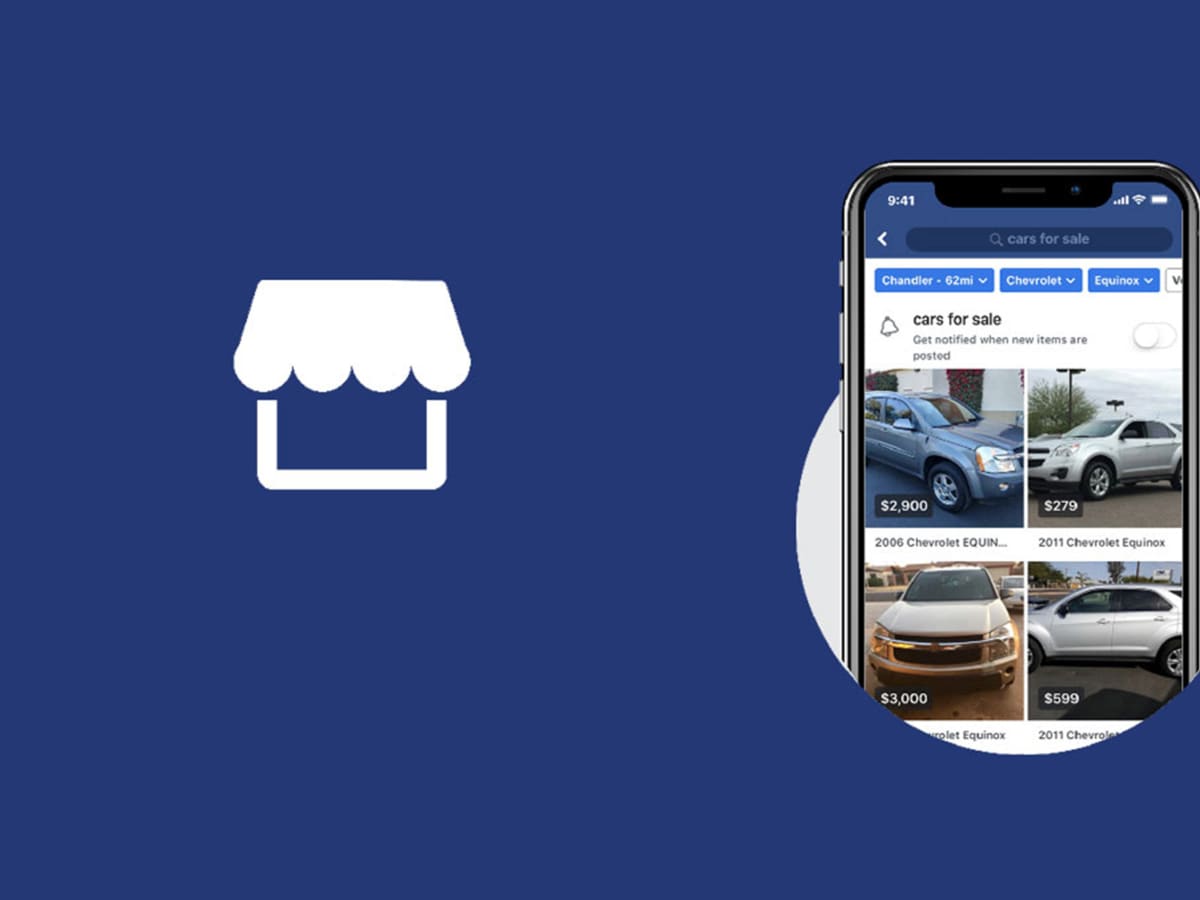
Facebook Marketplace has become a popular online platform for buying and selling various goods and services within local communities. Launched in 2016, it has grown into a bustling marketplace where individuals can discover, list, and engage in transactions with others in their vicinity. The Facebook Marketplace icon serves as a gateway to this thriving marketplace, providing users with easy access to browse, buy, or sell items, and connect with potential buyers or sellers.
In this article, we will explore seven different ways to access the Facebook Marketplace icon, ensuring that you can conveniently navigate to this platform whether you are using a desktop computer or a mobile device. These methods will empower you to tap into the vast array of listings available in your area, making it effortless to find the products or services you need or reach a larger audience for your own offerings.
Whether you are a seasoned user or new to the Facebook Marketplace, familiarizing yourself with these diverse access points will enhance your overall experience and enable you to make the most of this online marketplace. So let’s delve into the various ways you can access the Facebook Marketplace icon and unlock the potential it holds for your buying or selling needs.
Accessing Facebook Marketplace on Desktop
If you prefer to browse the Facebook Marketplace using a desktop computer, there are a few simple steps you can follow to access the Marketplace icon and explore the listings within your local community. Here’s how:
A. Open your preferred web browser: Launch the web browser on your desktop computer and navigate to the Facebook website by entering “www.facebook.com” in the address bar.
B. Log in to your Facebook account: If you haven’t already logged in, enter your login credentials (email/phone number and password) in the provided fields and click “Log In.”
C. Locate the Facebook Marketplace icon: Once you’re logged in, look for the Facebook Marketplace icon on the left-hand side of the Facebook homepage. It appears as a small storefront icon resembling a shopfront with a roof.
D. Click on the Marketplace icon: When you find the Marketplace icon, click on it to access the Facebook Marketplace. This action will redirect you to the main Marketplace page, where you can start exploring listings, searching for specific items, or creating your own listings.
Once you’re in the Facebook Marketplace, you can use various filters, categories, and search options to narrow down your search and find the items you’re interested in. You can browse through different categories like Home & Garden, Vehicles, Electronics, and more. Additionally, you have the option to adjust the location settings to view listings from specific areas or expand your search to include neighboring regions.
Facebook Marketplace on desktop offers a user-friendly interface that allows you to interact with sellers, negotiate prices, and arrange transactions within the Facebook platform. You can also bookmark or save items you’re interested in for future reference or share listings with others through Facebook Messenger.
Accessing the Facebook Marketplace on desktop provides a convenient and expansive way to explore local listings, find great deals, and connect with potential buyers or sellers, all from the comfort of your computer. So start exploring the Facebook Marketplace on your desktop and unlock a world of buying and selling opportunities.
Accessing Facebook Marketplace on Mobile App (iOS/Android)
If you prefer to use the Facebook app on your iOS or Android device, accessing the Facebook Marketplace is just a few taps away. Here’s how you can access the Marketplace on your mobile app:
A. Open the Facebook app: Locate the Facebook app on your mobile device’s home screen or app drawer and tap on it to launch the app.
B. Log in to your Facebook account: If you haven’t already logged in, enter your login credentials (email/phone number and password) in the provided fields and tap “Log In.”
C. Locate the Marketplace icon: Once you’re logged in, you will find the Marketplace icon at the bottom of the app screen on iOS devices and at the top of the app screen on Android devices. The icon resembles a small storefront with a roof.
D. Tap on the Marketplace icon: When you spot the Marketplace icon, tap on it to access the Facebook Marketplace. This action will direct you to the main Marketplace page, where you can begin exploring the listings available in your local area.
Upon entering the Facebook Marketplace on the mobile app, you will find a variety of categories and filters to help you refine your search. These categories can include Home, Vehicles, Electronics, Clothing, and more. You can also customize your search by adjusting the location settings or using the search bar to find specific items or services.
Facebook Marketplace on the mobile app offers a seamless experience where you can view detailed product descriptions, photos, and seller information. You can message sellers directly through the app to inquire about items, negotiate prices, and arrange meet-ups or shipping options.
In addition to browsing listings, you can also create your own listings to sell items on the Facebook Marketplace using the mobile app. Simply tap on the “Sell” button, provide the necessary details, add photos, set the price, and publish your listing to reach potential buyers within your local community.
Accessing the Facebook Marketplace on the mobile app allows you to engage with the marketplace on the go, making it convenient to browse, buy, or sell items wherever you are. The app’s intuitive interface and seamless integration with Facebook’s social features enable you to easily connect with buyers and sellers, making transactions more efficient and secure.
So, whether you’re looking to purchase a secondhand item, declutter your home by selling unwanted belongings, or discover unique local services, accessing the Facebook Marketplace through the mobile app ensures that you have a convenient and user-friendly platform at your fingertips.
Accessing Facebook Marketplace through the Facebook Menu (Mobile App)
In addition to accessing the Facebook Marketplace icon directly, you can also reach the Marketplace through the Facebook menu on the mobile app. This alternative method provides an additional way to navigate to the Marketplace and explore local listings. Here’s how you can access the Facebook Marketplace through the menu on your mobile app:
A. Open the Facebook app: Locate the Facebook app on your iOS or Android device’s home screen or app drawer and tap on it to launch the app.
B. Log in to your Facebook account: If you haven’t already logged in, enter your login credentials (email/phone number and password) in the provided fields and tap “Log In.”
C. Open the Facebook menu: Once you’re logged in, look for the three horizontal lines, often referred to as the menu icon. On iOS devices, you’ll find this icon at the top-right corner of the app screen, while on Android devices, it’s typically located at the bottom-right corner.
D. Find the Marketplace option: Tap on the menu icon to open the Facebook menu. Scroll down through the menu options until you find the “Marketplace” option. On some versions of the Facebook app, you may need to tap on “See More” to reveal additional menu options, including Marketplace.
E. Tap on “Marketplace”: Once you locate the “Marketplace” option, tap on it to access the Facebook Marketplace. This action will take you to the main Marketplace page, where you can browse through various listings, search for specific items, or create your own listings.
Once you’re within the Facebook Marketplace, you can utilize the available filters, categories, and search functionalities to narrow down your search and find the items or services you’re interested in. You can also customize the location settings to view listings from specific areas or expand your search to include neighboring regions.
The Facebook Marketplace within the mobile app provides a seamless and integrated experience, allowing you to interact with sellers, negotiate prices, and arrange transactions conveniently within the app. You can also save or bookmark listings, share them with others, or message sellers directly to inquire about products or services.
Accessing the Facebook Marketplace through the Facebook menu on the mobile app ensures that you have an additional pathway to explore the local marketplace offerings. By incorporating this method into your routine, you can easily access the Marketplace and discover a wide range of items and services available for sale within your community.
So, whether you’re on the lookout for secondhand treasures, searching for local services, or looking to sell your own items, accessing the Facebook Marketplace through the mobile app’s menu is a convenient option that expands your access to this thriving online marketplace.
Accessing Facebook Marketplace using the Search Bar (Desktop and Mobile App)
If you’re looking for a specific item or want to quickly access the Facebook Marketplace, you can utilize the search bar on both the desktop and mobile app versions of Facebook. By entering relevant keywords, you can easily find the Facebook Marketplace and dive into the available listings. Here’s how you can access the Facebook Marketplace using the search bar:
A. Open Facebook on Desktop or Mobile App: Launch your web browser and visit the Facebook website or open the Facebook app on your iOS or Android device. Log in to your Facebook account if you haven’t already.
B. Locate the Search Bar: On the Facebook homepage or main screen, you will find a search bar at the top of the page on desktop or at the top of the app screen on mobile devices. It is usually denoted by a magnifying glass icon.
C. Type in “Marketplace” or “Facebook Marketplace”: Click or tap on the search bar and enter either “Marketplace” or “Facebook Marketplace” as your search query. As you type, Facebook will display suggestions related to your search.
D. Select the Facebook Marketplace: From the suggestions provided, you should see the option for “Marketplace” or “Facebook Marketplace.” Click or tap on the relevant suggestion to access the Facebook Marketplace.
By using the search bar, you can bypass navigating through menus or icons and directly reach the Facebook Marketplace. This method is particularly useful if you want to access the Marketplace quickly or if you’re not familiar with its specific location within the Facebook interface.
Once you enter the Facebook Marketplace, you can explore various categories, search for specific items or services, and interact with sellers or buyers. The search bar within the Marketplace interface also allows you to refine your search further by typing in keywords related to the products or services you are interested in.
On the desktop version, you can leverage additional search options such as filtering by location or adjusting the price range to narrow down your search results. On the mobile app, you can tap on the “Filters” button to access similar options for refining your search criteria.
Accessing the Facebook Marketplace using the search bar provides a convenient and direct route to find the listings you’re interested in or to explore new offerings. Whether you’re on your desktop or using the Facebook app on your mobile device, this method ensures that you can quickly access the Facebook Marketplace and browse through the items available within your local community.
So, the next time you’re looking for something specific or want to explore the offerings on the Facebook Marketplace, utilize the search bar to streamline your access and discover a wide range of products and services with ease.
Accessing Facebook Marketplace through Facebook Groups (Desktop and Mobile App)
In addition to accessing the Facebook Marketplace directly, you can also discover and access the Marketplace through Facebook Groups. Facebook Groups focused on buying, selling, or local marketplace activities often have a dedicated “Marketplace” tab within the group page. This provides another avenue for accessing the Marketplace and exploring relevant listings. Here’s how you can access the Facebook Marketplace through Facebook Groups on both desktop and the mobile app:
A. Open Facebook on Desktop or Mobile App: Launch your web browser and visit the Facebook website or open the Facebook app on your iOS or Android device. Log in to your Facebook account if you haven’t already.
B. Locate the Facebook Groups Section: On the Facebook homepage (desktop) or the main screen (mobile app), find the Groups section. On desktop, you’ll usually find it in the left-hand side menu, and on the mobile app, it’s typically located in the bottom menu.
C. Browse or Search for Relevant Groups: In the Groups section, you can browse through the list of groups you’re a member of or use the search bar to find specific groups. Look for groups that are focused on buying, selling, or local marketplace activities in your area.
D. Access the Group Page: Once you find a relevant group, click or tap on its name to access the group page.
E. Navigate to the Marketplace Tab: Within the group page, look for the “Marketplace” tab. It is usually located alongside other tabs like “Discussion,” “Photos,” or “Events.” Click or tap on the “Marketplace” tab to access the group’s dedicated Marketplace section.
F. Explore Listings within the Group: By accessing the Marketplace tab within the group, you can explore the listings that are specifically posted within that group. Browse through the available items or services, engage with sellers or buyers, and make inquiries or transactions within the group’s Marketplace section.
Accessing the Facebook Marketplace through Facebook Groups allows you to tap into a targeted community of buyers and sellers within a specific niche or locality. These groups often foster a sense of trust and familiarity among members, making it easier to connect and transact with others.
Whether you’re looking for niche products, localized services, or prefer a more community-oriented marketplace experience, accessing the Facebook Marketplace through Facebook Groups provides an additional avenue to discover relevant listings and engage with like-minded individuals.
So, next time you’re exploring Facebook Groups or looking for a specialized marketplace experience, be sure to check out the “Marketplace” tab within relevant groups to access listings and connect with potential buyers or sellers in a more focused setting.
Accessing Facebook Marketplace via Direct Link
If you prefer a direct and efficient method to access the Facebook Marketplace, you can utilize a direct link that takes you straight to the Marketplace. This option allows you to bypass any navigation or search within the Facebook platform. Here’s how you can access the Facebook Marketplace via a direct link:
A. Open a Web Browser: Launch your preferred web browser on your desktop or mobile device.
B. Enter the Facebook Marketplace URL: In the address bar of your web browser, type in the URL “https://www.facebook.com/marketplace/” or “https://www.facebook.com/marketplace” (without quotes).
C. Press Enter or Go: After entering the URL, press Enter or tap the Go button to navigate to the Facebook Marketplace directly.
By using the direct link, you will be instantly redirected to the Facebook Marketplace without the need to navigate through menus, icons, or search bars. This method is particularly useful if you want a quick and direct way to access the Marketplace.
Once you’re on the Facebook Marketplace, you can explore various categories, search for specific items or services, and engage with sellers or buyers. The interface allows you to view detailed product descriptions, photos, and seller information, as well as message sellers directly to inquire about products or negotiate prices.
Accessing the Facebook Marketplace via a direct link provides a straightforward and time-saving approach to exploring the listings and engaging in transactions. Whether you’re using a desktop computer or a mobile device, this method ensures that you can easily access the Facebook Marketplace without any additional steps.
So, if you prefer a direct and hassle-free method to reach the Facebook Marketplace, bookmark the direct link or save it for quick access whenever you want to browse, buy, or sell items within your local community.
Conclusion
The Facebook Marketplace has established itself as a vibrant online platform where users can buy, sell, and discover a wide range of products and services within their local communities. Accessing the Facebook Marketplace is crucial for anyone looking to engage in online transactions or find great deals on secondhand items. In this article, we explored seven different ways to access the Facebook Marketplace icon, ensuring that you have various options to reach this bustling marketplace.
We began by discussing the importance of accessing the Facebook Marketplace and its role as a gateway to countless buying and selling opportunities. We then delved into each of the seven methods, providing step-by-step instructions for accessing the Marketplace on desktop, mobile app, through the Facebook menu, using the search bar, via Facebook Groups, and by utilizing a direct link.
By following these methods, you can seamlessly access the Facebook Marketplace and tap into its vast array of listings. Whether you prefer browsing on your desktop or using the mobile app on the go, there is a suitable method for everyone. Each approach provides its own advantages, whether it’s the convenience of accessing it through the Facebook menu or the efficiency of using a direct link to bypass navigation.
Familiarizing yourself with these various access points ensures that you can effortlessly explore the Facebook Marketplace, connect with potential buyers or sellers, and make informed purchasing decisions. From furniture and electronics to clothing and services, the Facebook Marketplace offers a diverse range of items to meet your needs and preferences.
In conclusion, accessing the Facebook Marketplace through different methods allows you to tap into a thriving marketplace and take advantage of the opportunities it presents. Whether you’re a seasoned user or new to the platform, having a comprehensive understanding of these access points enhances your overall experience and enables you to maximize the potential of the Facebook Marketplace.
So, start utilizing these methods and dive into the Facebook Marketplace to discover an array of listings, connect with local buyers or sellers, and make your online buying and selling experiences more convenient and fruitful.