VPNs are marketed heavily — often with claims that border on fear-mongering about hackers “seeing everything you do” on public WiFi. The truth is more nuanced. A VPN is a genuinely useful tool in some situations and largely irrelevant in others. Here’s a clear-eyed look at what a VPN actually does, when it helps, and when it doesn’t.
What a VPN Actually Does
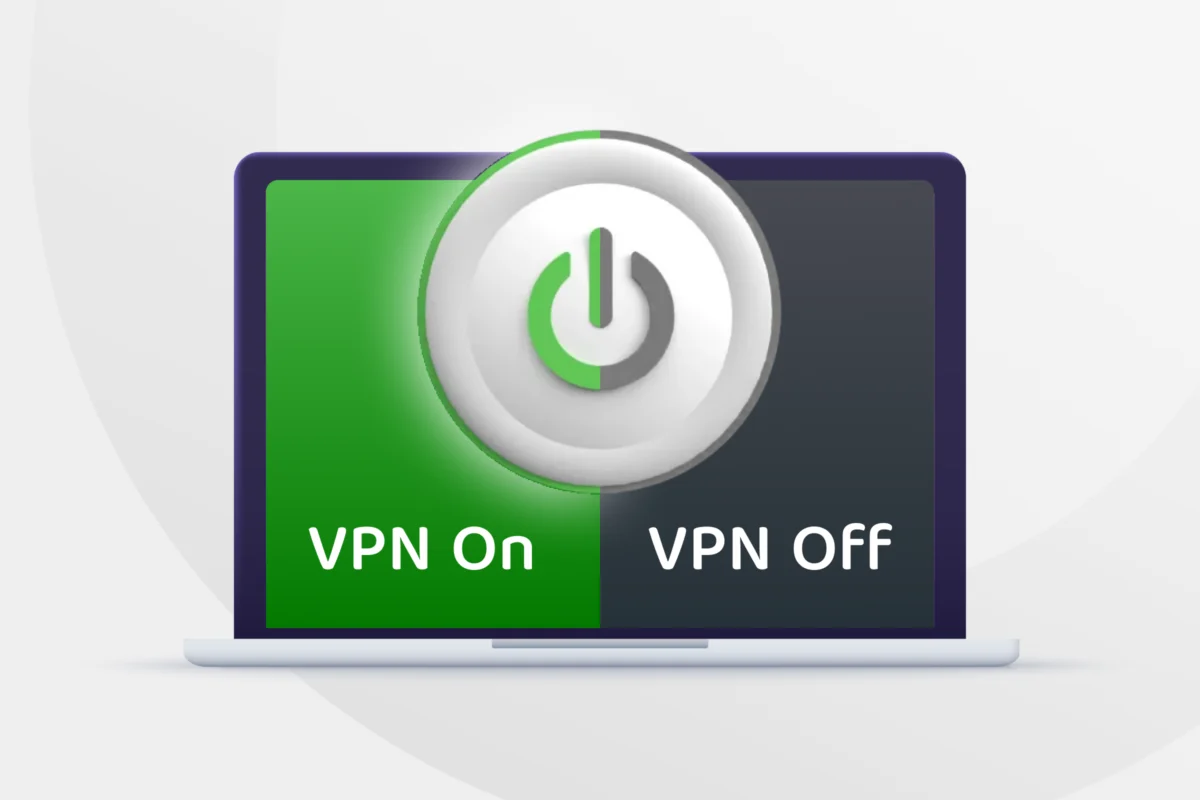
A VPN (Virtual Private Network) creates an encrypted tunnel between your device and a VPN server. Instead of your internet traffic going directly to websites and services, it first routes through that server. This does two main things:
- Encrypts your traffic between your device and the VPN server, so anyone monitoring the network in between (like on public WiFi) can’t easily read it.
- Masks your IP address from the websites and services you connect to, making it look like your traffic is coming from the VPN server’s location instead of your own.
That’s essentially it. A VPN doesn’t make you anonymous online, doesn’t stop malware, and doesn’t protect you from phishing, weak passwords, or scams.
When a VPN Actually Matters
1. Using untrusted public WiFi
This is the clearest case. On an open network — a coffee shop, airport, or hotel WiFi with no password or a shared one — other people on that same network can potentially intercept unencrypted traffic. A VPN encrypts your connection, closing that gap. That said, most websites now use HTTPS by default, which already encrypts traffic between your browser and the site — so the added risk of public WiFi is smaller than it used to be, but not zero (things like DNS requests or non-HTTPS traffic can still be exposed).
2. Avoiding ISP tracking
Your internet service provider can see which sites and services you connect to (though not necessarily the content, if the connection is HTTPS-encrypted). In some countries, ISPs are permitted to log or sell this browsing data. A VPN hides this activity from your ISP, shifting that visibility to the VPN provider instead.
3. Bypassing geographic restrictions
Streaming services, news sites, and other content are often region-locked. A VPN lets you appear to be browsing from a different country, unlocking region-specific content. (Note: this can violate the terms of service of some platforms, and streaming services actively work to detect and block VPN traffic.)
4. Accessing content in countries with internet censorship
In countries that block certain websites, apps, or social media platforms, a VPN can route around those restrictions. In some places this carries legal risk, so it’s worth understanding local laws before relying on a VPN for this purpose.
5. Protecting sensitive work while traveling
Journalists, activists, researchers, or business travelers handling sensitive information may want the extra layer of encryption a VPN provides, particularly in countries with aggressive surveillance or when connecting through untrusted networks.
6. Keeping your IP address away from specific services
If you don’t want a particular website, advertiser, or online service to see your real IP address (which can reveal your rough location), a VPN masks that.
When a VPN Doesn’t Really Matter
1. Browsing at home on a trusted network
On your home WiFi with a strong password, the “man-in-the-middle” risk a VPN protects against is minimal. Your ISP can still see which domains you visit, but for most people this isn’t a meaningful daily threat.
2. Protecting against malware or phishing
A VPN doesn’t scan downloads, block malicious links, or stop you from entering credentials on a fake login page. That’s the job of antivirus software, browser protections, and basic caution — not a VPN.
3. Making you “anonymous”
A VPN shifts who can see your activity — from your ISP to the VPN provider — it doesn’t erase it. The VPN company can typically still see your traffic (which is why choosing a reputable, no-logs provider matters if privacy is your goal). Logging into your Google or Facebook account while using a VPN also completely undermines any anonymity, since you’re identifying yourself directly to those services regardless.
4. Speeding up your internet
VPNs typically add a small amount of latency since traffic takes a longer route through an extra server. Some VPNs market “faster streaming” by avoiding ISP throttling, but for most everyday browsing, a VPN will not speed things up and often slightly slows them down.
5. Protecting already-encrypted traffic
Most modern websites and apps use HTTPS/TLS encryption by default. A VPN adds an extra encrypted layer, but for HTTPS traffic, the content itself was already protected in transit.
Free vs. Paid VPNs
Free VPNs are worth extra scrutiny. Running VPN server infrastructure costs money, so free services often make money by:
- Logging and selling user browsing data (undermining the privacy benefit entirely)
- Injecting ads
- Offering degraded speeds to push you toward a paid tier
If privacy is genuinely the goal, a reputable paid VPN with a clear no-logs policy — ideally backed by independent audits — is generally a safer bet than a free option.
Questions to Ask Before Choosing a VPN
- Does it have a clear, audited no-logs policy?
- Where is the company legally based, and what data-retention laws apply there?
- Does it use strong, modern encryption protocols?
- Does it have a “kill switch” that blocks internet traffic if the VPN connection drops, preventing accidental exposure?
- What’s its track record — has it had past breaches or been caught misrepresenting its logging practices?
Bottom Line
A VPN is a useful, situational tool — not a blanket security solution. It genuinely matters when you’re on untrusted networks, want to limit what your ISP can see, need to bypass geographic or censorship restrictions, or are handling sensitive information while traveling. For everyday browsing on a secure home network, the practical benefit is much smaller than VPN marketing often suggests. The bigger wins for most people’s online security still come from strong, unique passwords, two-factor authentication, keeping software updated, and being cautious about phishing — a VPN complements those habits but doesn’t replace them.